Service
Large-format panoramas
I photograph a city view piece by piece, in hundreds of telephoto frames, and stitch them into a single image. Printed, it fills a whole wall in a reception area, an office or a living room, and anyone who steps closer finds details they could never see from across the room.
At a glance
- Prague
- 2.9 m wide print at full quality
- Mladá Boleslav
- 4.6 m wide print at full quality
- Up close
- sharp even from 29 cm
- Online
- the whole view at full resolution
Part of the panorama could not be loaded. Please try again later.
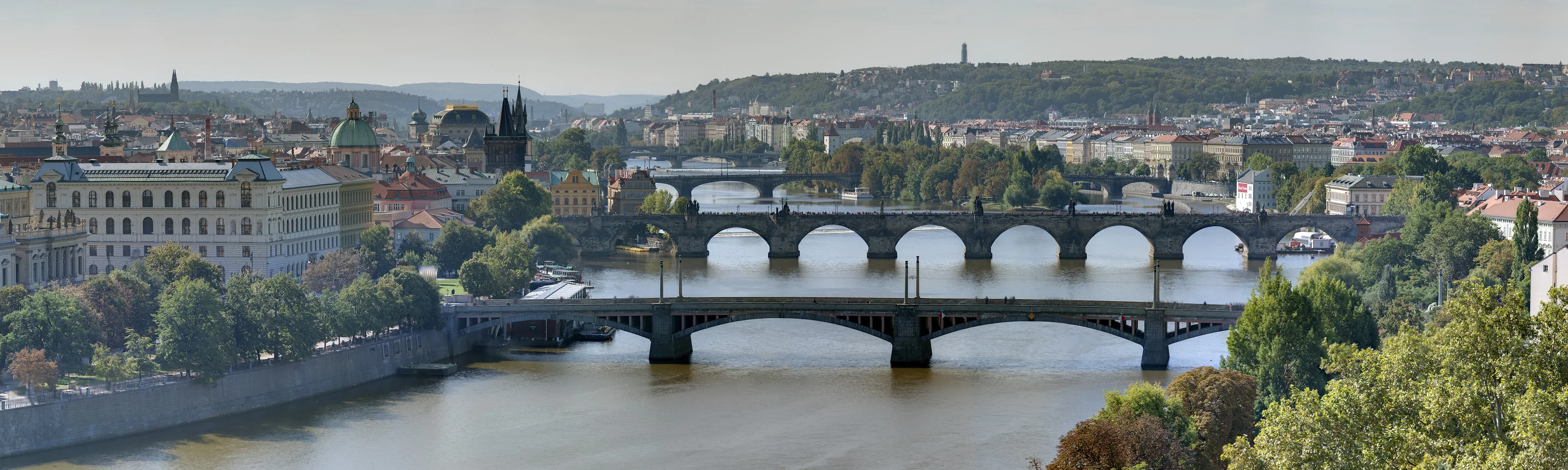
The Prague panorama: 34,500 × 10,343 pixels, reduced here. On a phone, only its middle part is shown.
Explore it yourself
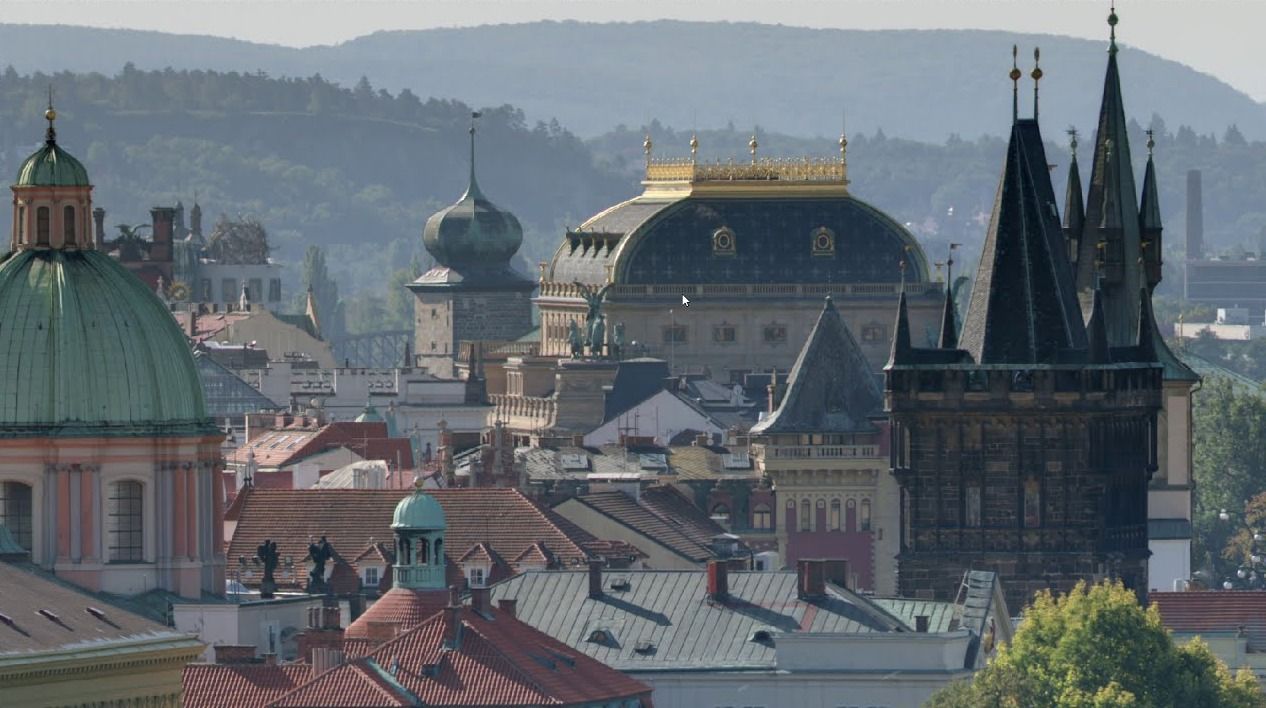
See if you can find the LIDOVÉ NOVINY sign on a distant building, the National Theatre or the Old Town Bridge Tower. The “Where to look” buttons take you straight to the first two.
Only the part you are looking at is loaded: one Full HD screen at 100% is about 0.6 MB. Exploring in detail can add up to tens of MB; the whole panorama is about 80 MB.
Or watch the video
Drag or use the arrow keys to move; zoom with the wheel while holding Ctrl or ⌘, with a two-finger pinch, a double tap or the + and − keys; 0 resets the view. Once you click the panorama, the wheel alone zooms and one finger moves it.
01 Prague
896 frames, one image
I shot Prague with a 500 mm telephoto lens, which takes in only a small slice of the view in each frame. So I divided the view into a grid of 128 positions and took 7 frames at different exposures at each of them: 896 frames in all.
That effectively makes 7 precisely aligned panoramas, each at a different exposure. Special software blended them into one image, which gained both sharpness and dynamic range: detail in the bright sky and in the deepest shadows.
The result is 34,500 × 10,343 pixels, or 357 megapixels. Above, you can explore it yourself down to individual pixels, or watch the video.
-
128 positions in a grid
A 500 mm telephoto lens takes in only a small slice of the view in each frame, so I shoot the view row by row and column by column.
-
7 exposures at each position
From the darkest, in which the sky and reflections are not blown out, to the brightest, which brings out the shadows.
-
896 frames, or 7 panoramas
Frames of the same exposure stitch into a complete panorama: 7 precisely aligned panoramas, each with a different brightness.
-
1 final image
Special software blends them into one. The image gains both sharpness and dynamic range.
02 Mladá Boleslav
An even wider panorama
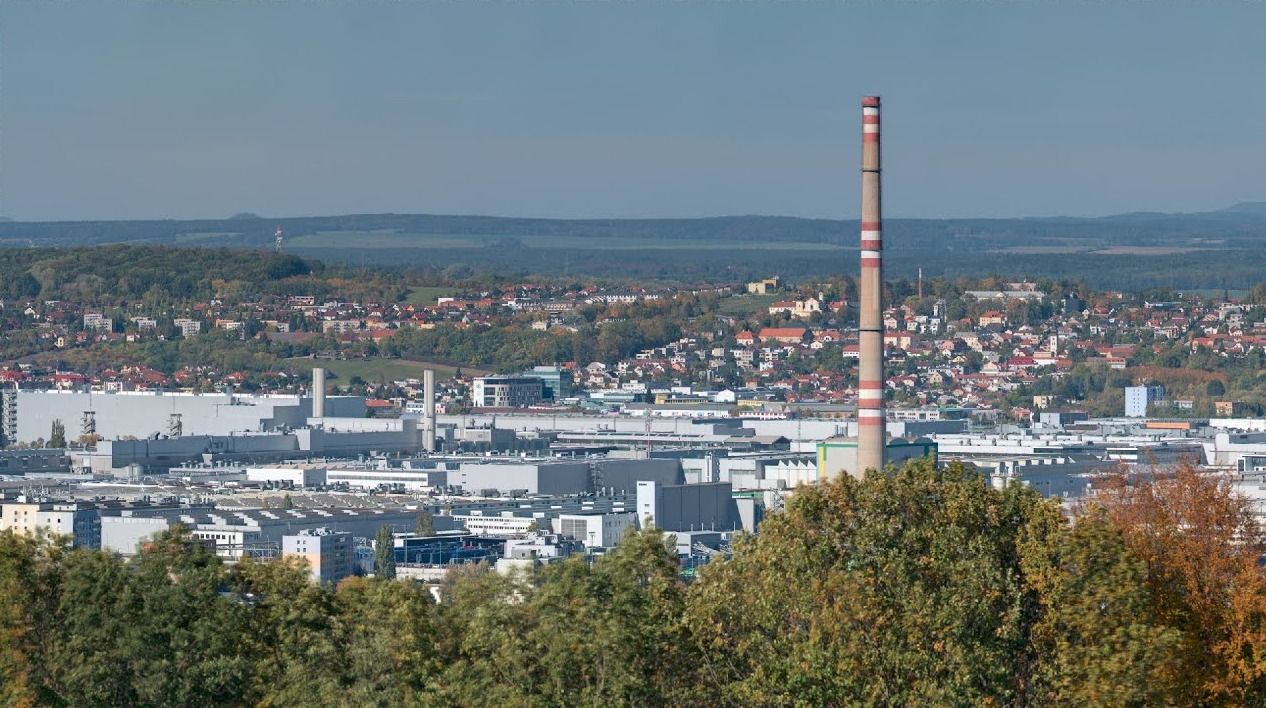
I shot Mladá Boleslav in a similar way to Prague. The panorama is 54,000 × 6,455 pixels: wider than 28 Full HD screens side by side.

Part of the panorama could not be loaded. Please try again later.
The Mladá Boleslav panorama: 54,000 × 6,455 pixels, reduced here. On a phone, only its middle part is shown.
Explore it yourself
Find the Škoda Auto chimney and Bezděz Castle on the horizon, then explore the industrial site and the rooftops of the town.
Only the part you are looking at is loaded: one Full HD screen at 100% is about 0.7 MB. Exploring in detail can add up to tens of MB; the whole panorama is about 95 MB.
Or watch the video
Drag or use the arrow keys to move; zoom with the wheel while holding Ctrl or ⌘, with a two-finger pinch, a double tap or the + and − keys; 0 resets the view. Once you click the panorama, the wheel alone zooms and one finger moves it.
03 Resolution
How many pixels does a wall need?
It depends on how close people get. Up close they see detail they could never make out from across the room.
What you see up close
-
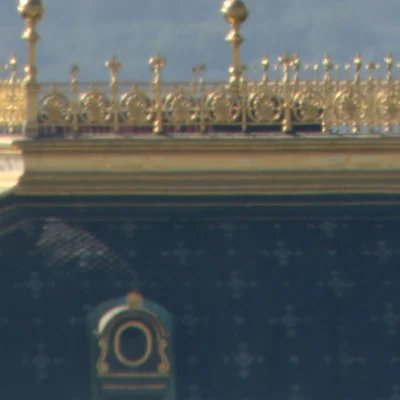
National Theatre
Prague · 400 × 400 px crop, 3.4 cm on the print
-
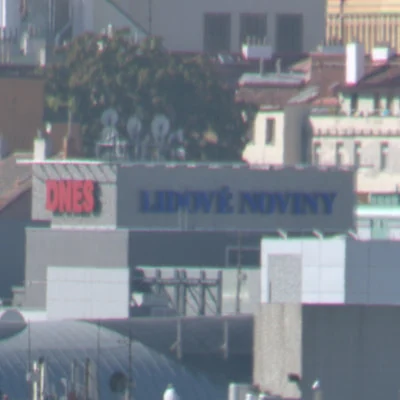
Lidové noviny sign
Prague · 400 × 400 px crop, 3.4 cm on the print
-
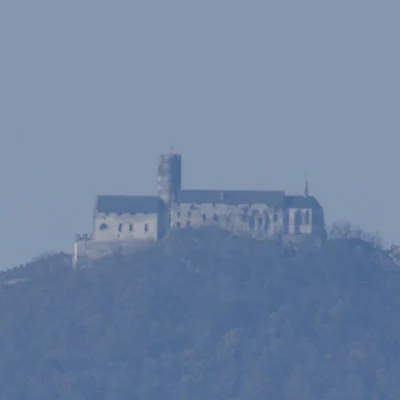
Bezděz Castle
Mladá Boleslav · 400 × 400 px crop, 3.4 cm on the print
-
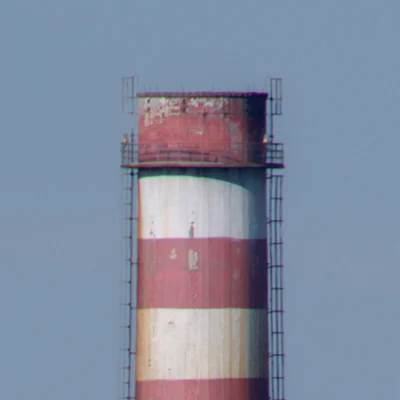
Škoda Auto chimney
Mladá Boleslav · 400 × 400 px crop, 3.4 cm on the print
An eye with normal acuity resolves detail of about one arcminute. At one metre that is 0.29 mm, or about 87 pixels per inch of print (ppi). At half the distance you need twice as many.
So a print 3 m wide (90 cm high in the proportions of Prague) needs about 3.5 megapixels when viewed from 3 m, about 32 from 1 m and about 350 from 30 cm. The Prague panorama has 357 megapixels: at full quality, 300 ppi, it stays sharp even from 29 cm.
Printers quote DPI, dots of ink per inch. What decides sharpness, though, is PPI, image pixels per inch of print. The “300 DPI” you often see recommended really means 300 ppi, a viewing distance of 29 cm, as when you hold a photo in your hand.
A wall above a sofa that nobody gets closer to than a metre needs fewer pixels. In a reception area or a corridor, where people stand at the picture and look for details, every one of them counts.
04 Processing
Stitched on my own workstation
Stitching 896 frames into one image is not a one-click job. The computer has to work out exactly how the frames fit together, build 7 panoramas with identical geometry and blend them, while handling gigabytes of data at once. That is the job my workstation was built for.
The Prague panorama in numbers
- megapixels in aligned layers
- 7 × 357
- GB of image data (16 bits per channel), not counting the source frames
- ≈ 15
- tiles for the web at 17 levels
- 1,956
-
Alignment
The software finds common points where neighbouring frames overlap and uses them to work out exactly how the camera was pointing for each frame. Any inaccuracy would show on a large print as a doubled or broken edge.
-
7 panoramas
The frames of each exposure make up a complete panorama, all 7 with the same geometry so that they fit exactly. One layer has 357 megapixels, over 2 GB at 16 bits per colour channel.
-
Exposure blending
For every part of the image the software takes the exposure that renders it best and blends the layers into one picture. That is how the panorama gains both sharpness and dynamic range: detail in the bright sky and in the shadows.
-
Print and web
For printing I prepare a single full-resolution file. For the web the panorama is cut into tiles at several zoom levels; the viewer downloads only the ones you are looking at.
05 Questions
Frequently asked questions
Why not take one shot with a wide-angle lens?
A camera has a fixed number of pixels. A wide-angle lens spreads them across the whole view, so a distant building gets only a handful. A telephoto lens concentrates them on a small slice, and when I stitch hundreds of slices together, the whole view gets that level of detail.
How much will it cost?
That depends mainly on the view you want and how big the print should be. I’ll send you a quote once we’ve talked it through.
Want a panorama across a whole wall?
Tell me how big the wall is, how close people will get to it and the view you have in mind. I’ll get back to you as soon as I can.